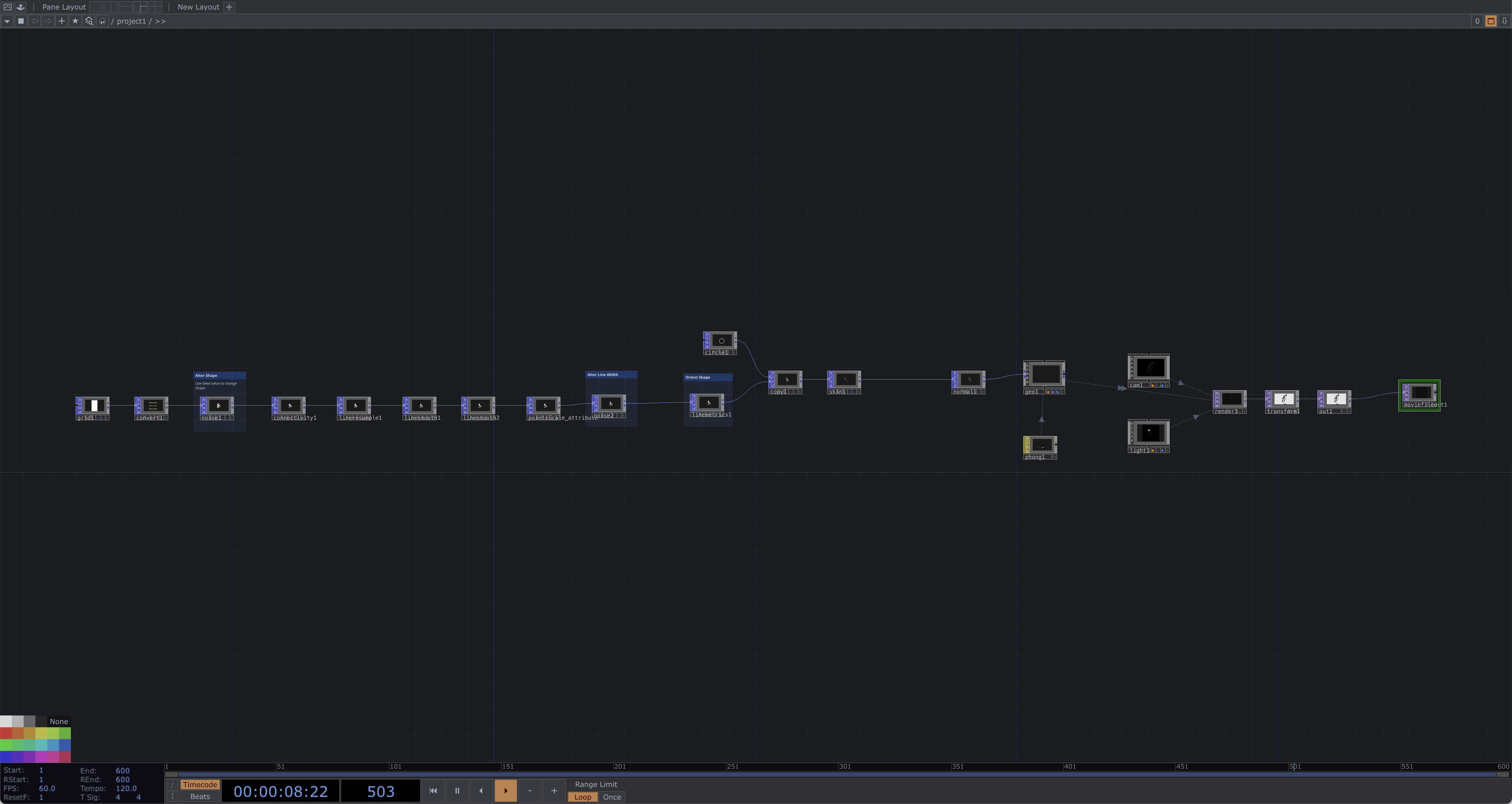
Creating Organic Lines and Tubes in Touch Designer using POPs
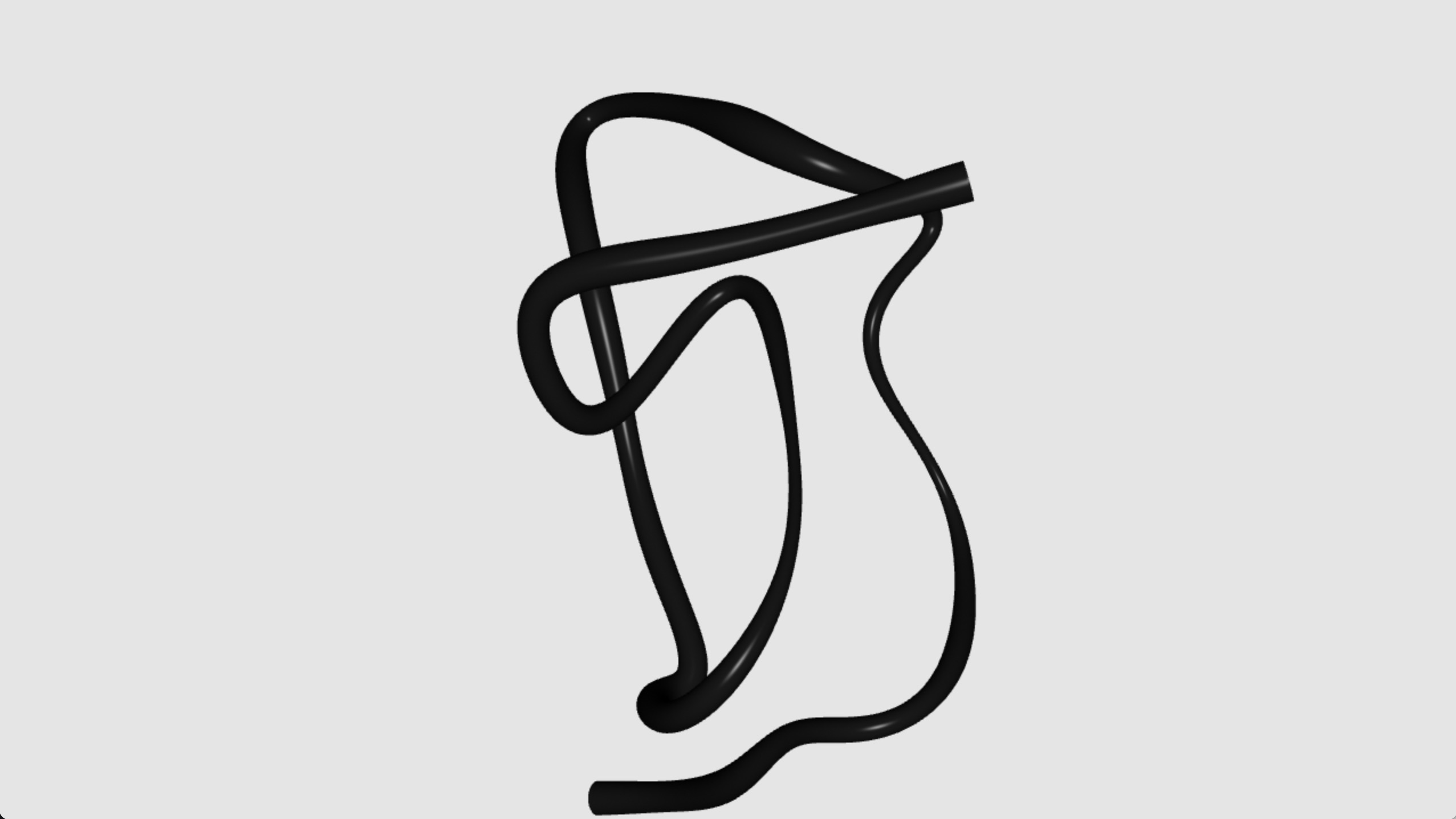
A quick post to show a technique I use to create organic like lines in Touch Designer using POP operators.
I won't go into every step but you can download the .toe to see how it works.
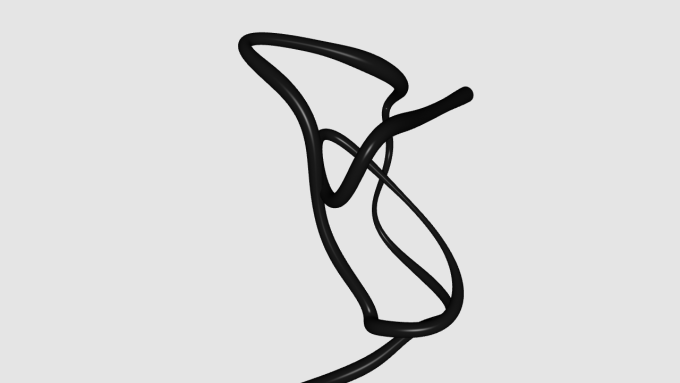
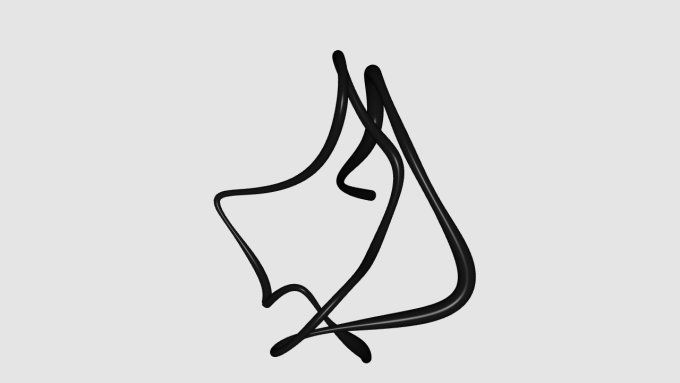
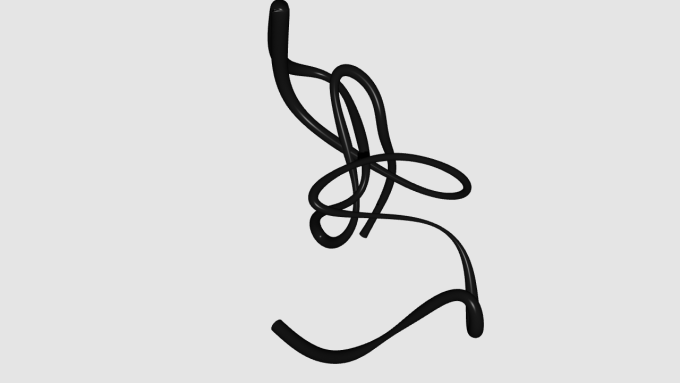
Essentially it involves creating a grid of points, using a noise POP to play with the layout of these points then using a connectivity POP set to spiral per plane to create a line through these points. I then do a resample to give me some more points then a line smooth a couple of times to make the shape more organic than angular. I then create a pointScale attribute and apply noise to that attribute which alters the width of the tube through the shape. All that is then brought together using a skin POP. Altering the seed in the first noise POP gives you different deterministic shapes. Hope you find it useful!